The internet works because billions of devices can communicate with one another every second. Behind every website visit, online purchase, video stream, or email is a unique identifier known as an IP address. While most users never think about this technical detail, understanding your IP address can help you improve your online privacy, troubleshoot network issues, and verify whether tools like VPNs or proxy servers are working correctly.
This is where ip111 becomes useful. It is a web-based IP lookup and network diagnostic tool that helps users view their public IP address and understand how their internet connection appears to websites and online services.
If you’ve never heard of ip111, don’t worry. This beginner-friendly guide explains everything you need to know, including what it is, how it works, its main features, and why checking your IP address is becoming more important in today’s digital world.
What Is IP111?
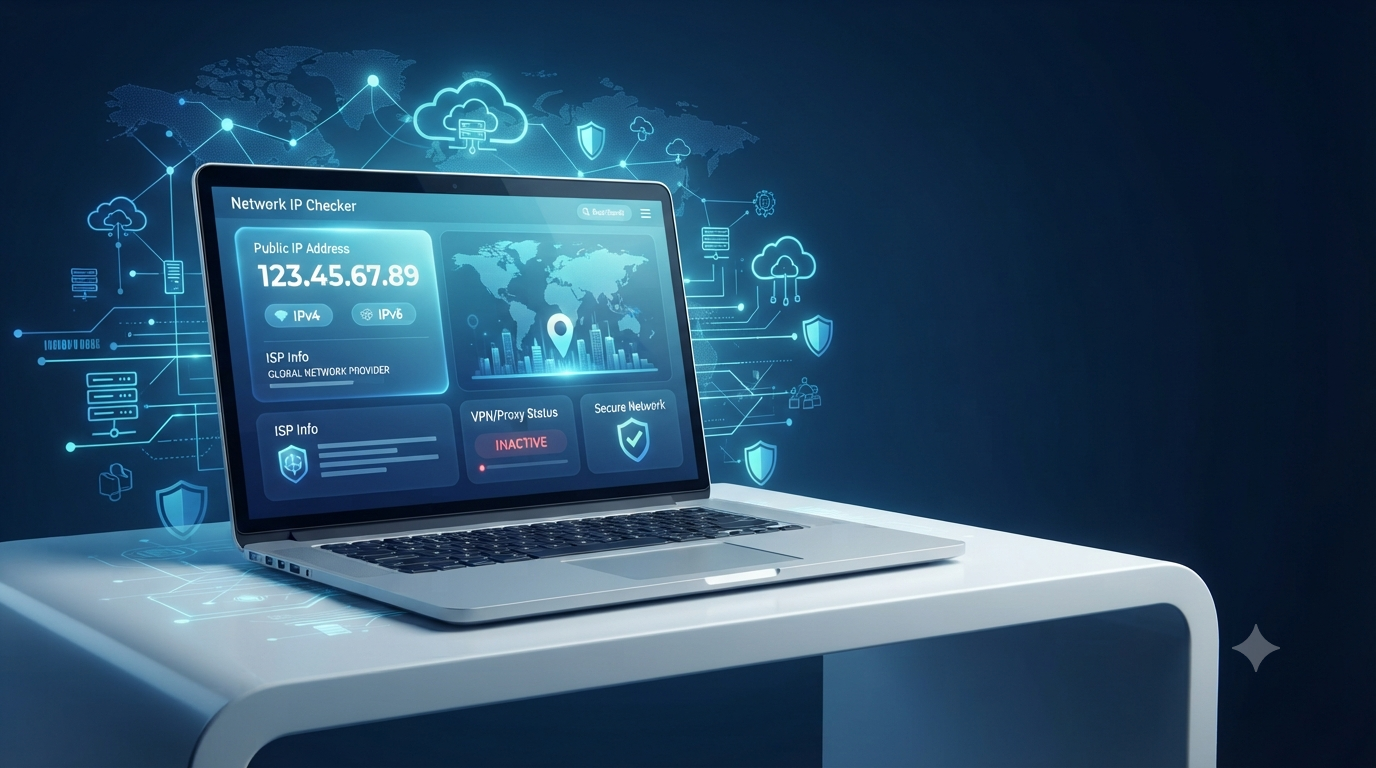
ip111 is an online service designed to display your public IP address along with valuable network information. When you visit the website, it automatically detects your internet connection and presents key details without requiring software installation or account registration.
Rather than showing only your IP address, ip111 provides a broader overview of your connection, making it useful for both everyday users and network professionals.
Depending on your connection, the information may include:
- Public IP address
- IPv4 and IPv6 availability
- Internet Service Provider (ISP)
- Estimated geographic location
- VPN or proxy detection
- Network routing details
- Browser and connection information
All of this information helps users understand how their device appears to the outside world while connected to the internet.
Understanding IP Addresses
To understand the purpose of ip111, it’s important to first understand what an IP address is.
An Internet Protocol (IP) address is a unique numerical identifier assigned to every device connected to the internet. It allows computers, smartphones, tablets, and servers to communicate with each other.
Without IP addresses, websites would have no way of sending information back to your device.
IPv4
IPv4 is the most commonly used version today.
An IPv4 address looks something like this:
198.51.100.25
It consists of four sets of numbers separated by periods.
IPv6
As the number of internet-connected devices continues to grow, IPv6 has become increasingly important.
IPv6 provides a much larger address space and supports the future expansion of the internet.
Many modern internet providers now support both IPv4 and IPv6 simultaneously.
How Does IP111 Work?
One of the reasons ip111 is popular is its simplicity.
When you visit the website, it automatically reads your incoming internet connection and displays the publicly visible information associated with your IP address.
The process usually takes only a few seconds.
Unlike advanced networking software, there are no settings to configure or downloads to install.
This makes ip111 suitable even for beginners with little technical knowledge.
Why Would Someone Use IP111?
People use ip111 for many different reasons.
Check Your Public IP Address
The most common use is simply finding your current public IP address.
Since many internet providers assign dynamic IP addresses, your IP may change over time.
Verify VPN Connections
Many people use VPN services for additional privacy.
After connecting to a VPN, ip111 allows you to confirm whether your visible IP address has changed successfully.
Test Proxy Servers
Businesses, developers, and IT professionals often work with proxy servers.
Checking the detected IP helps verify whether traffic is passing through the intended proxy.
Troubleshoot Internet Problems
Network issues sometimes occur because of routing problems or incorrect ISP settings.
Viewing your connection details can provide useful information when diagnosing these issues.
Learn More About Your Internet Connection
Even if you’re not solving a technical problem, ip111 helps you understand how websites identify your connection.
Main Features of IP111
Although its interface is designed to remain simple, ip111 offers several useful features.
Public IP Detection
The primary function is displaying your current public IP address.
This is the address visible to websites and online services.
ISP Information
The tool identifies your Internet Service Provider, allowing you to verify which network your traffic is using.
Geographic Location
Based on your IP address, ip111 estimates your country, region, and sometimes city.
Keep in mind that IP-based location is approximate and not always perfectly accurate.
IPv4 and IPv6 Status
Modern internet connections often support both protocols.
The tool helps users identify which protocol is currently active.
VPN and Proxy Detection
If you’re connected through a VPN or proxy, ip111 may indicate that your traffic is being routed through another network.
This is especially useful for users who want to verify that their privacy tools are functioning correctly.
Public IP vs Private IP
Many beginners confuse public and private IP addresses.
Public IP Address
A public IP is assigned by your Internet Service Provider.
It identifies your network on the public internet and is what ip111 displays.
Private IP Address
A private IP is assigned by your home or office router.
It allows devices within the same local network to communicate with each other but is not visible to websites.
Understanding this difference helps explain why your computer may have one local address while ip111 displays another.
Is Your IP Address Permanent?
Not always.
Most home internet users receive dynamic IP addresses.
This means your provider can change your IP periodically.
Your IP may also change when:
- Restarting your modem
- Switching internet providers
- Connecting to another Wi-Fi network
- Using mobile data
- Activating a VPN
- Connecting through a proxy server
These changes are completely normal.
Can Someone Find Your Exact Location Using Your IP?
This is one of the most common questions beginners ask.
The answer is generally no.
An IP address usually reveals only general information, including:
- Country
- Region
- Approximate city
- Internet provider
It does not normally reveal your exact home address or personal identity.
However, your IP remains an important part of your online presence, which is why many users choose to protect it with privacy tools.
How to Use IP111
Using ip111 requires almost no technical knowledge.
Step 1
Open the ip111 website in your web browser.
Step 2
Wait a few seconds while your connection is detected automatically.
Step 3
Review the displayed information, including:
- Public IP
- ISP
- Location
- IPv4 or IPv6 status
- VPN or proxy detection
Step 4
Compare the results with your current network setup.
For example, if your VPN is connected to another country but ip111 still shows your local ISP, your VPN may not be working correctly.
Tips for Better Online Privacy
Knowing your IP address is only the first step.
You can also improve your online privacy by following these simple practices.
Use Trusted VPN Services
VPNs replace your visible IP with another address, making it more difficult for websites to identify your original connection.
Keep Your Devices Updated
Security updates help protect your device against vulnerabilities that attackers may exploit.
Secure Your Wi-Fi Network
Use strong passwords and modern encryption standards for your home network.
Regularly Check Your IP
Occasionally using ip111 helps ensure your internet connection is working as expected.
Common Misconceptions About IP111
There are several misunderstandings surrounding IP lookup tools.
It Does Not Hack Your Device
ip111 simply displays information already available through your internet connection.
It does not access your personal files or private accounts.
It Does Not Reveal Sensitive Personal Information
While it may estimate your location, it cannot normally display your exact address, phone number, or identity.
It Is Useful Beyond Technical Users
Although network professionals use tools like ip111, beginners can also benefit from understanding how their internet connection works.
Final Thoughts
As internet privacy and cybersecurity continue to evolve, understanding your public IP address has become more valuable than ever. Whether you’re checking a VPN connection, verifying network settings, or simply learning more about how the internet works, ip111 offers a quick and convenient way to view important connection details.
For beginners, it serves as an easy introduction to networking concepts without requiring advanced technical knowledge. By learning how ip111 works and what the displayed information means, you can make more informed decisions about your online privacy, troubleshoot connection issues more effectively, and gain a better understanding of how your device communicates across the internet. Regularly checking your public IP is a simple habit that can improve both your awareness and your confidence when using today’s connected world.
You have not enough Humanizer words left. Upgrade your Surfer plan.